Hi Team,
I am trying to implement column-level masking for a specific table, but I’m running into an issue where the mask is being applied to all columns of the same data type.
My Setup:
Table Structure: 4 columns total (1 BIGINT ID column and 3 VARCHAR columns).
Goal: I only want to mask one specific VARCHAR column (e.g., first_name). I want the other two VARCHAR columns and the ID column to remain unmasked.
Current Issue: When I apply my VARCHAR mask at the table-level policy, all three VARCHAR columns get masked. The ID column is not masked (likely because it’s a BIGINT and doesn’t match the mask type).
My Question:
How can I target only one particular column in the Access Control Policy? In the policy scope settings, I only see the option to select up to the Table level. I don’t see a way to pick a specific column name to attach the mask to.
Is there a specific way to define the scope for just one column, or am I missing a step?
Thanks for the help!
Yep, you missed a step.
TL;DR
Create & assign a tag (ex: my_tag) to the column you want to mask, then toggle Limit the scope from Match everything in scope (on the Define policy scopes screen where you could only set down to the table level) to Match using expression and set this to has_tag(my_tag).
Longer version
Apply a tag (Use Access > Tags > Create tag if needed first) to the column to be masked.
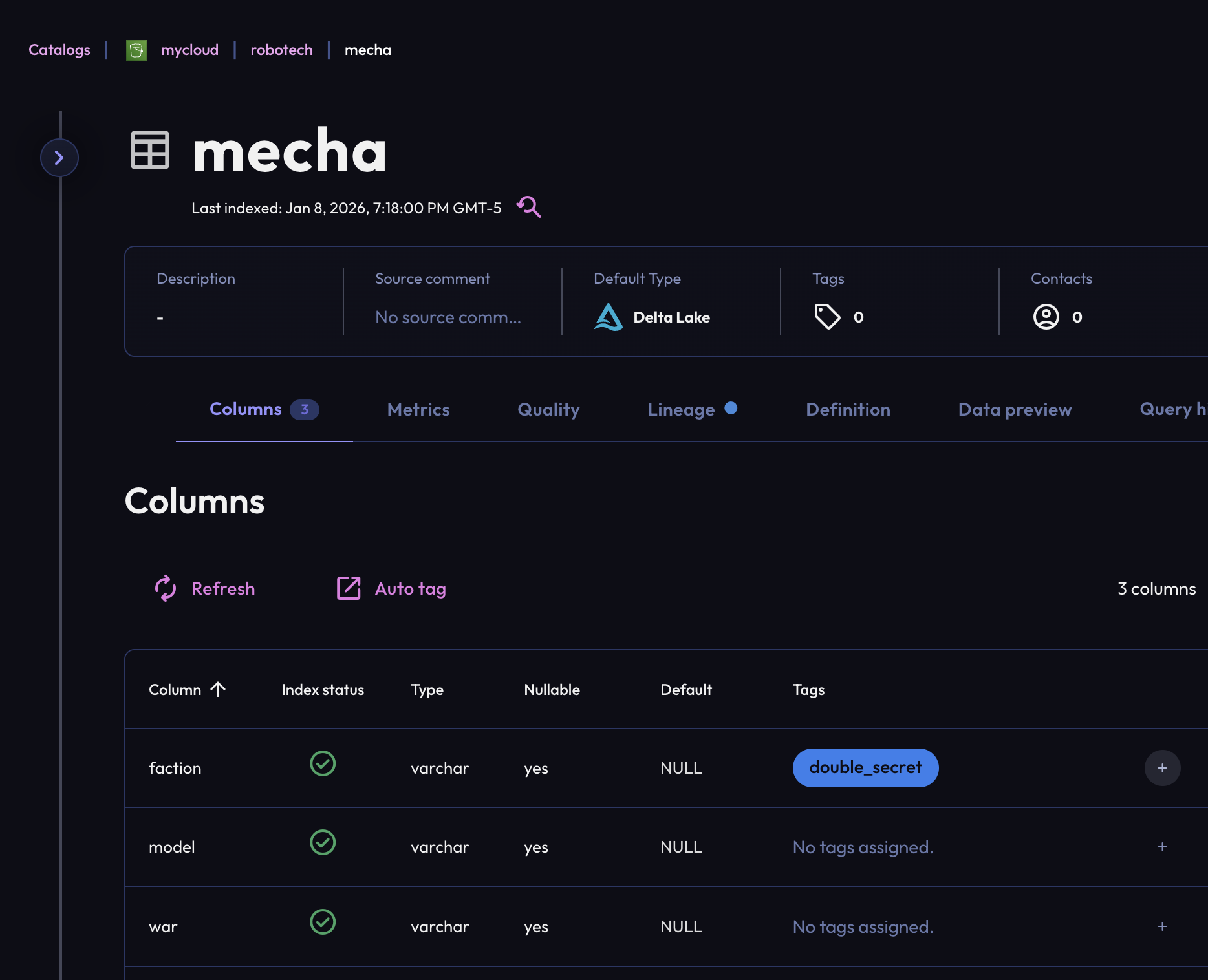
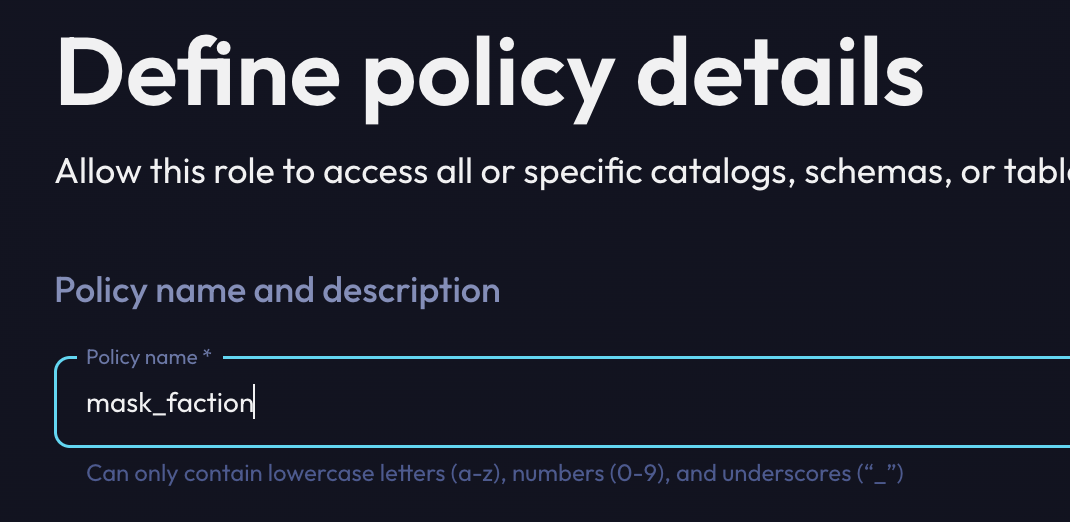
Start creating (or editing) your policy.
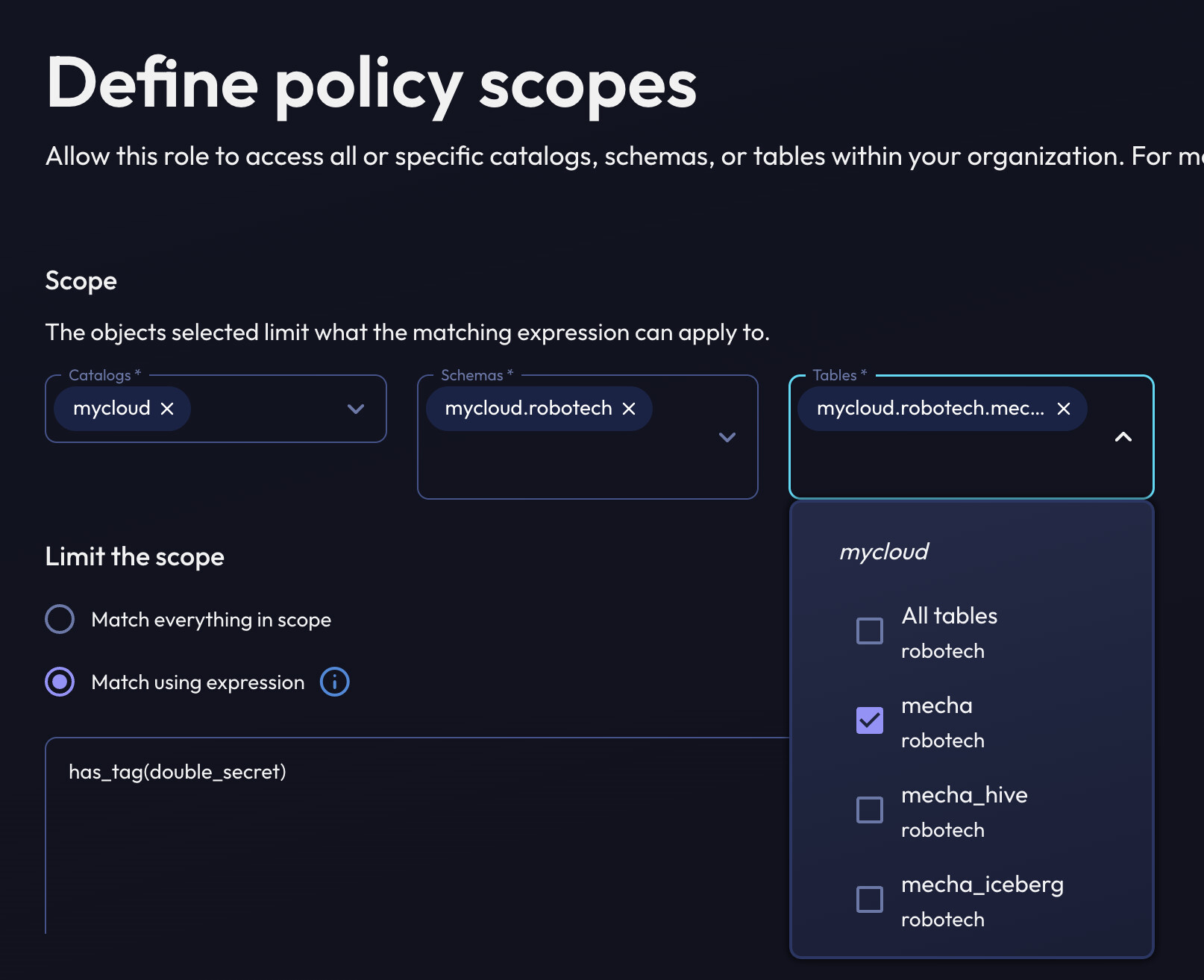
Select down to the table you want to apply the mask on and switch the Limit the scope choice to add an expression.
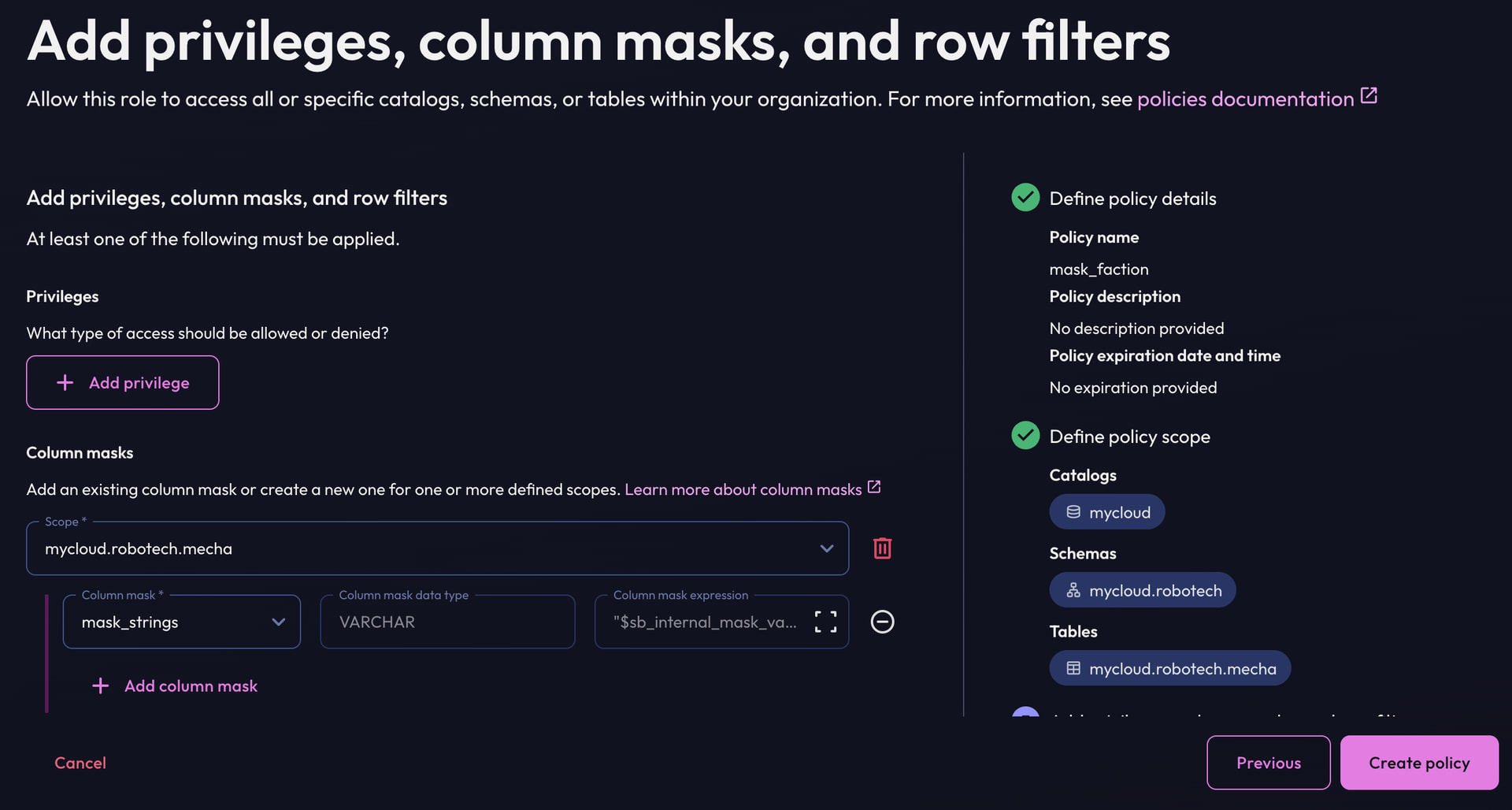
Apply the mask as you did before and Create policy.
Verify only the one column you want masked is now affected.
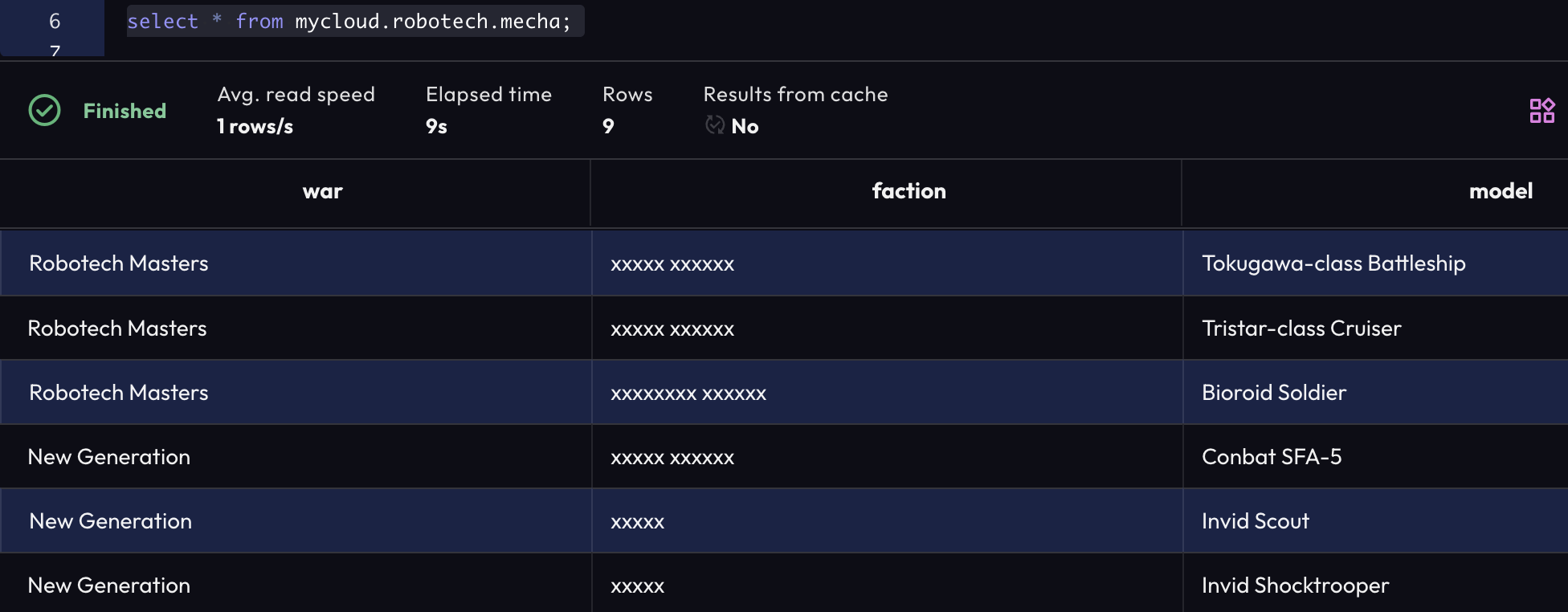
It’s working. Thank you soo much!
Hi Team,
Thank you for explaining how to apply column masking using Match using expression via the UI. That part is clear now.
I wanted to check if there is any supported REST API to create a masking policy using “Match using expression” (for example, using expressions like has_tag('double_secret')).
I tried using the public APIs:
-
POST /public/api/v1/policy -
POST /public/api/v2/policies
However:
-
The v1 policy API applies masking to the entire scope and does not seem to honor tag-based expressions.
-
The v2 policy API returns
405 Method Not Allowedwhen called externally.
Could you please confirm:
-
Whether creating a policy with expression-based matching is supported via any public API?
-
Is there any recommended workaround for automating tag-based column masking (other than creating policies manually in the UI)?
Thanks in advance for the clarification.
Hi @magedata – as you correctly identified, the POST /public/api/v1/policy endpoint is right for you. In this example, here are the fields you’ll want to fill out:
roleId: The roleID you’d like to assign this policy toname: the name of the policy. Once you fill this out, you should see it in the policies screen for the role.predicate: This would be the expression you’d like the policy to apply to. In this example, you would set this string tohas_tag(‘double_secret’)descriptiondescription of the policyexpirationonly non-null if you’d like this policy to expire at a certain timescopeswould be the array of “scopes” you’d like to apply this policy to. If you wanted to mask every column tagged withdouble_secretin catalogmyCatalogId, you would set the scope to the below datagram (pseudocoded json):
{
  entityId: "myCatalogId",
  entityKind: COLUMN,
  schemaName: "*",
  tableName: "*",
  columnName: "*",
  columnMaskIds: ["myColumnMaskId"] // this could include more masks for different data types as well
}
The masking to the entire scope would only happen if you either passed in a predicate of true (which means it will always apply), or if every column was tagged double_secret. The predicate field is the way to control when that policy should apply.
More information on policies can be found here: Starburst | Access control policy types
It’s working. Thank you soo much!
In **Starburst Galaxy**, you don’t mask a single VARCHAR column directly via API. you scope wide (COLUMN + wildcards) and let the **predicate** do the work. `Only tagged columns are masked since has_tag(‘double_secret’)` is evaluated per column. Everything else remains unaltered. If the entire scope was hidden, it was either because every column had the tag or the predicate was set to “true.”
“Match using expression” is only the predicate field in the v1 policy; there isn’t a separate API for it. tag the column, create the policy once, and you’re done.